


Azure Virtual Desktop – the workplace, wherever you are
With Azure Virtual Desktop, you can deliver Windows desktops and apps to any device securely and scalably, directly from the Azure cloud.

Economic benefits driven by Azure Virtual Desktop
210%
Return on investment (3 years)
-34%
Reduced infrastructure costs
Read more about the study
22%
Faster onboarding
Read more about the study
Some of our customers using Azure Virtual Desktop


Why management should choose Azure Virtual Desktop
How do you ensure staff productivity regardless of where they are, while simultaneously lowering your IT costs and strengthening data protection? The answer is a centralized, cloud-based desktop solution. With the Microsoft ecosystem behind it, Microsoft Azure Virtual Desktop transforms how your organization delivers IT.
Lower infrastructure costs
Eliminate on-premises servers and licensing costs. Computing capacity becomes a variable operating expense that follows your actual usage. Read more about how cloud-based infrastructure changes the cost structure for businesses.
Built-in security
Microsoft Entra ID, Conditional Access, MFA, and Defender for Endpoint protect access and data from endpoint to cloud. See how we work with IT security and identity protection to keep your systems secure.
Centralized management
Manage all desktops and apps via the Azure portal, Azure CLI, or PowerShell – from a single location.
Scaling on demand
Autoscale adjusts the number of active VMs based on actual load, minimizing costs outside of working hours.
Microsoft 365 integration
Native optimization for Teams, Outlook, and other M365 apps provides a responsive experience comparable to a local PC.
Compliance
Data remains in your chosen Azure region. Support for GDPR, HIPAA, ISO 27001, and a wide range of compliance certifications.
Read more about Microsoft Azure and how the platform can benefit your business.

We explain...
What is Azure Virtual Desktop?
Microsoft Azure Virtual Desktop (AVD) is a Microsoft service for virtualizing desktops and applications in the Azure cloud, where Microsoft is responsible for the operation and management of the underlying platform. The service, formerly known as Windows Virtual Desktop (WVD), provides users with secure access to Windows 11 and Windows 10 environments from any device with an internet connection.
AVD is a Platform as a Service (PaaS), which means Microsoft is responsible for the operation, maintenance, and management of the control plane. This allows you to focus on your business needs instead of the underlying infrastructure.

Hybrid and remote work
Employees can access their full Azure Virtual Desktop Workspace from home, on the go, or from any office – on a laptop, tablet, or smartphone. No VPN infrastructure required.

Secure access in regulated industries
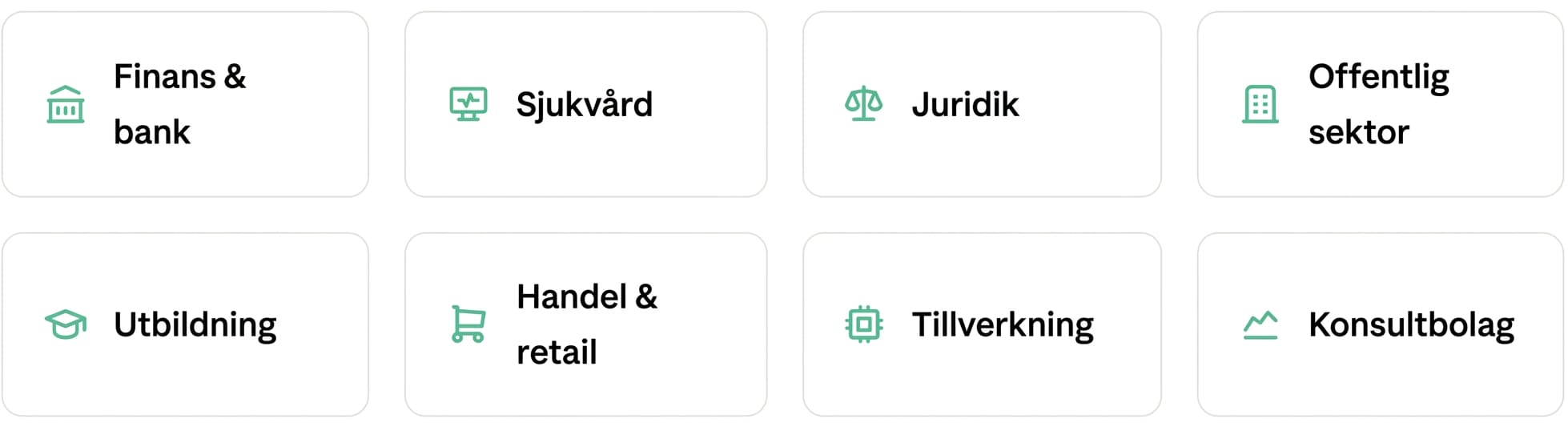
Finance, healthcare, and legal sectors use AVD to keep sensitive data centralized in Azure. Conditional Access, MFA, and Microsoft Defender protect every session and endpoint.

Secure application delivery
Publish individual Windows applications to users without giving them a full desktop. The apps run in Azure but appear locally. Data never leaves the cloud.

Fast on- and offboarding
New employees get a ready-to-use desktop environment with the right apps and permissions in minutes. Upon termination, access is removed instantly via Azure – with no risk of data being left on devices.
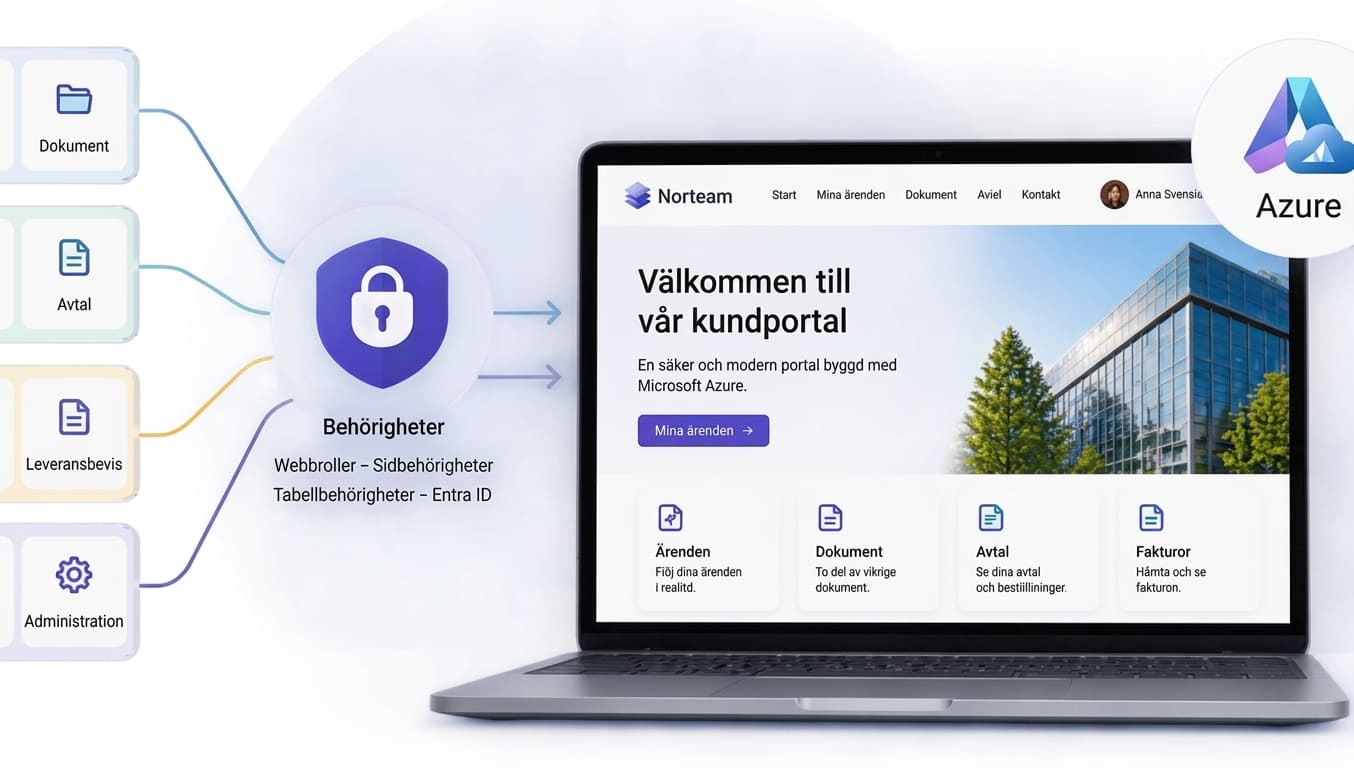
Disaster recovery and business continuity
If the local office becomes inaccessible, employees can immediately continue working via AVD from any device. The redundancy of Azure regions ensures high availability.

Multi-session and shared infrastructure
Multiple users share the same virtual machine via Windows multi-session, without needing to purchase separate licenses per VM. Ideal for call centers, education, and shift work.

Scaling for temporary needs
Seasonal peaks, project teams, or external consultants? AVD's autoscale feature automatically scales the number of active VMs up and down. You only pay when the resources are actually being used.

Legacy applications in the cloud
Do you have business-critical Windows applications that cannot run in modern web browsers? AVD allows you to virtualize and continue using them without rewriting the code – in a secure, managed way.
Is Azure Virtual Desktop right for you?
We help you quickly determine if the solution is a match for your business — and what concrete results it can actually deliver for you.
Who uses AVD?
Azure Virtual Desktop is particularly well-established in industries where data control, compliance, and a consistent work experience are critical.

Ready to modernize your workplace?
Norteam is a certified Microsoft partner with extensive experience in AVD deployment, migration, and ongoing management. We help you choose the right solution – and ensure it actually works.
Frequently asked questions
Can Azure Virtual Desktop be customized for specific industry needs?
Can I get a demonstration of Azure Virtual Desktop for my company?
Can we run our old business systems that aren't built for the cloud in AVD?
Do Microsoft Teams and video calls perform well in a virtual environment?
How much does Microsoft Azure Virtual Desktop cost?
How secure is Azure Virtual Desktop compared to VPN?
Is a specific license required to use AVD?
What is the difference between Azure Virtual Desktop and a standard local PC?
Where can I buy licenses for Azure Virtual Desktop?
More services