


Build business apps with Microsoft Power Apps
Microsoft Power Apps makes it possible to build apps that digitize processes and simplify working with business data. Norteam helps you plan the right solution based on users, data, and integrations.

From manual processes to digital business apps
Power Apps is the right choice when you want to digitize workflows and build apps based on your organization's specific processes and needs.
Case management
Consolidate registration, status, and follow-up in one app instead of managing cases across multiple different tools.
Inspections and field work
Build apps for tasks such as inspections, reporting, and registration when information needs to be collected out in the field.
Registration and approvals
Digitize forms and internal processes where information needs to be recorded, reviewed, or forwarded.
Apps connected to business data
Build business apps that work with data from Microsoft Dataverse and other relevant data sources.

Would you like to see what Microsoft Power Apps can do for you?
We help you evaluate whether Power Apps is a good fit for your business and what a solution can actually deliver in terms of concrete results.
We explain...
What is Microsoft Power Apps?
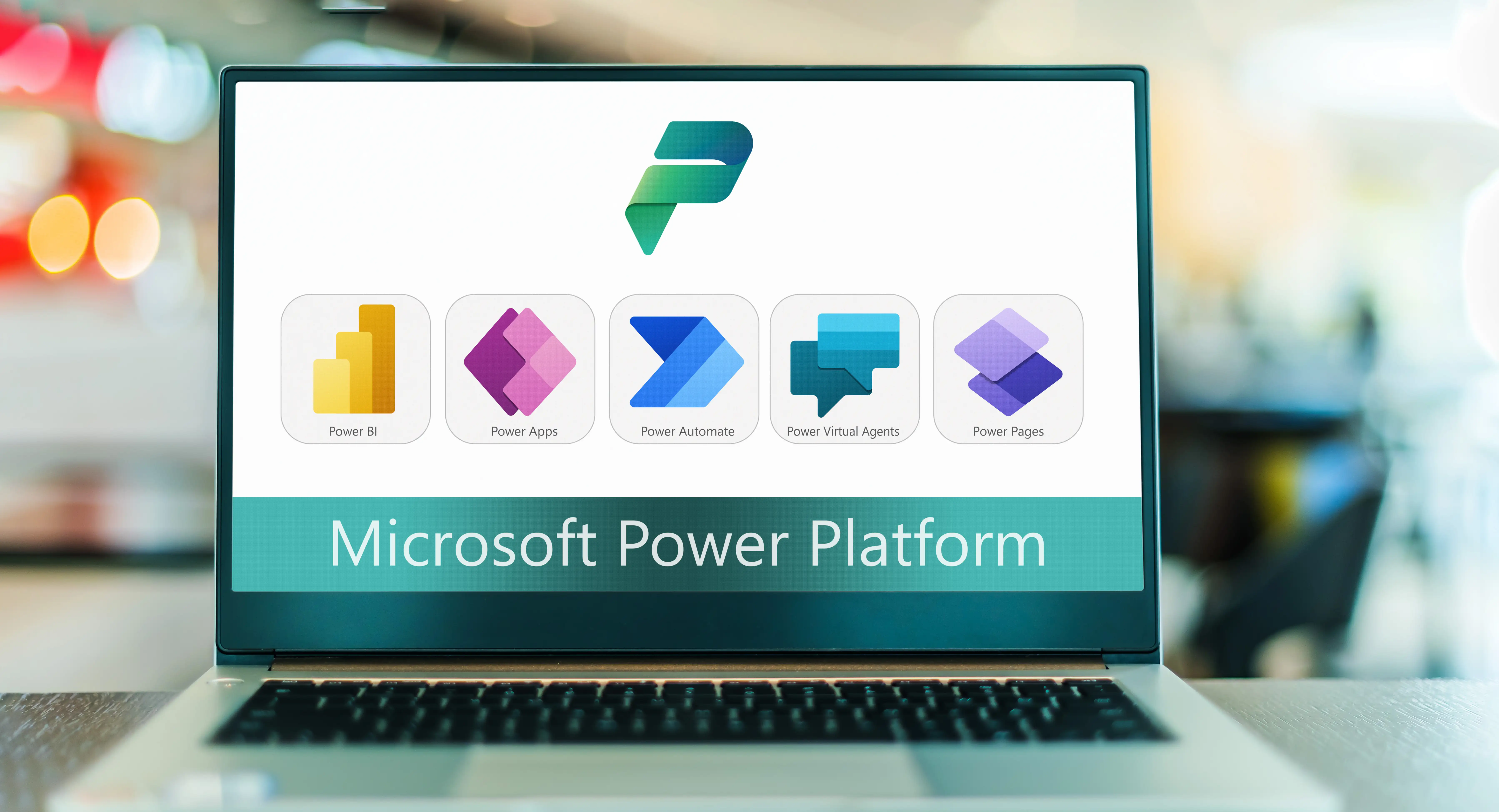
Microsoft Power Apps is Microsoft's low-code platform for building business applications. The platform is part of the Microsoft Power Platform and can be used to create apps around business data and processes without needing to develop every solution from scratch.

Build with low-code
Create interfaces, forms, and functions visually and build business apps faster than with traditional development from scratch.

Work with your business data
Power Apps can work with data in Microsoft Dataverse and other data sources, allowing users to record, update, and work with information directly within the app.
Automate the next steps
Combine Power Apps with Power Automate to let information in the app trigger workflows, notifications, approvals, and other automated processes.

How Microsoft Power Apps licensing works
Power Apps may require different licenses depending on how the app is built, which data sources and features are used, and which Microsoft licenses the users already have.
Power Apps Premium
Power Apps Premium is relevant when the solution requires features and usage rights not covered by the Power Apps rights that may be included in other Microsoft licenses.
Existing Microsoft 365 licenses
Certain capabilities for using Power Apps may already be included in Microsoft 365 licenses. What is covered depends on the services, connectors, and data sources the app uses.
Dataverse and premium features
If the solution uses Microsoft Dataverse, premium connectors, or other premium features, the licensing needs to be assessed based on the specific solution and its users.
Which Power Apps license is right for you?
The right license depends on how the app will be used, which systems it needs to communicate with, and which licenses the organization already has.
Norteam helps you map out users, functions, and data sources to find a licensing model that fits your solution without you paying for more than you need.

Would you like to see a demo or do you have any questions?
Send us an inquiry and we will get back to you as soon as possible.
Frequently asked questions
Can Power Apps be connected to Dynamics 365?
Can Power Apps be connected to our existing systems?
Do you need to know how to program to use Power Apps?
How do Power Apps licenses work?
What can you build with Power Apps?
What is Microsoft Power Apps?
What is the difference between canvas apps and model-driven apps?
More services