


Build external portals with Microsoft Power Pages
Microsoft Power Pages is used to build internal and external websites and portals connected to your business data and processes. Norteam helps you plan the solution based on who will be using the portal, what information it needs to handle, and which systems it needs to be connected to.

From customer portal to digital self-service
Power Pages is the right choice when external users need to do more than just read information on a website.
Customer and partner portals
Give customers, partners, or suppliers a logged-in area where they can view and update information relevant to them.
Applications and registration
Build forms for things like applications, registrations, or bookings and store the information in Microsoft Dataverse.
Digital self-service
Let users find, register, or update information themselves without every case needing to be handled manually.
Portals connected to business data
Use data from Dataverse and other Microsoft solutions to make the portal part of your business's existing processes.

Is Microsoft Power Pages right for your business?
Yes, especially if external users need to log in, work with business data, or complete parts of a process directly on the website. Norteam helps you determine if Power Pages fits your needs and how the solution can be connected to your existing Microsoft environment.
Do you want to see what Microsoft Power Pages can do for you?
We help you evaluate whether Microsoft 365 Power Pages is right for your business – and what it can actually deliver in terms of concrete results.
We explain...
What is Microsoft Power Pages?
Microsoft Power Pages is Microsoft's low-code platform for external business websites. It is part of the Power Platform and uses Microsoft Dataverse to manage data. For more advanced needs, there is also the option to work with code.

Build with low-code
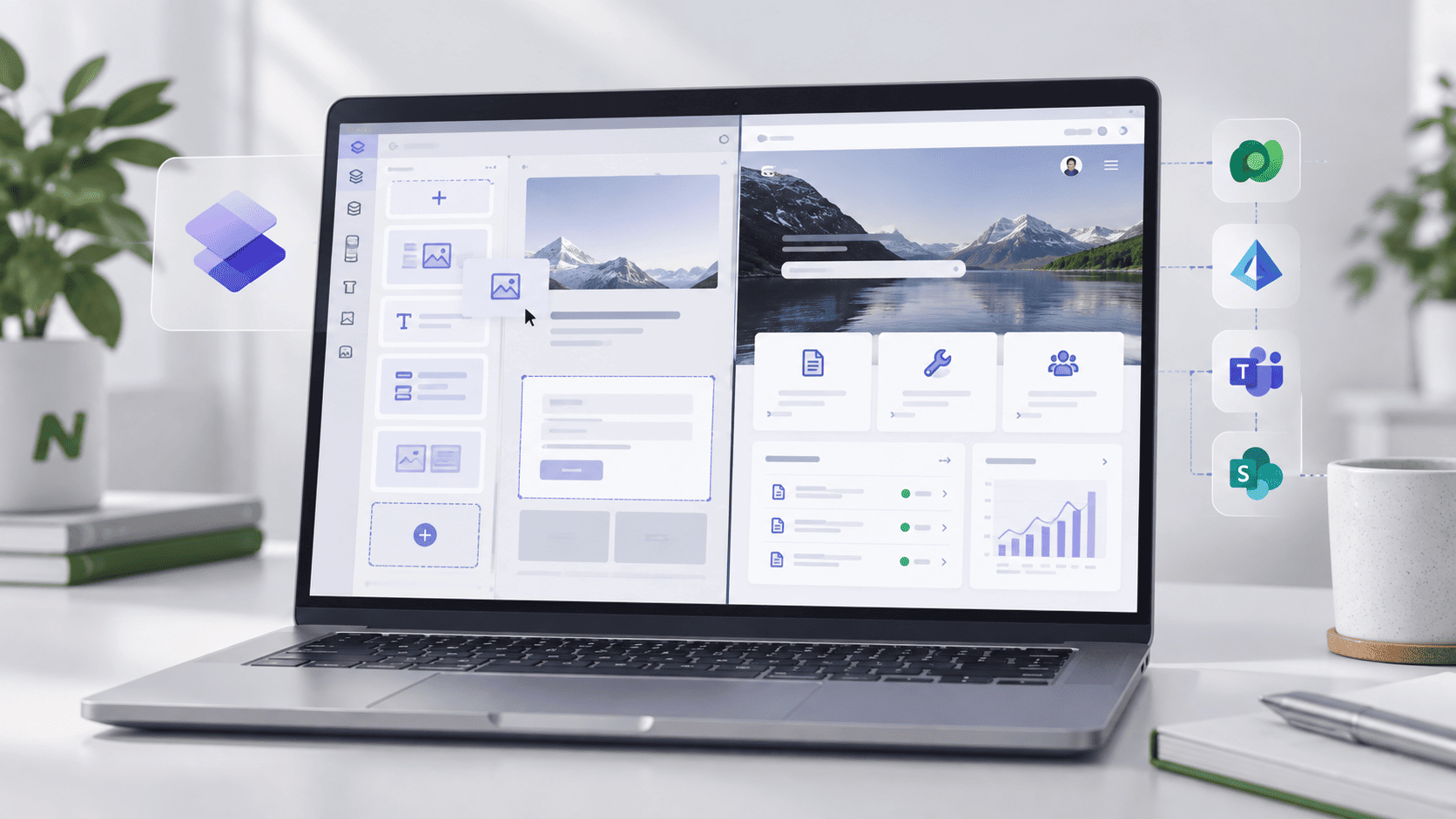
Create pages, sections, and forms visually in the design studio without having to build the entire solution from code.

Work with data in Dataverse
Power Pages can display and collect information from Microsoft Dataverse, which is also used by other Power Platform and Dynamics 365 solutions.
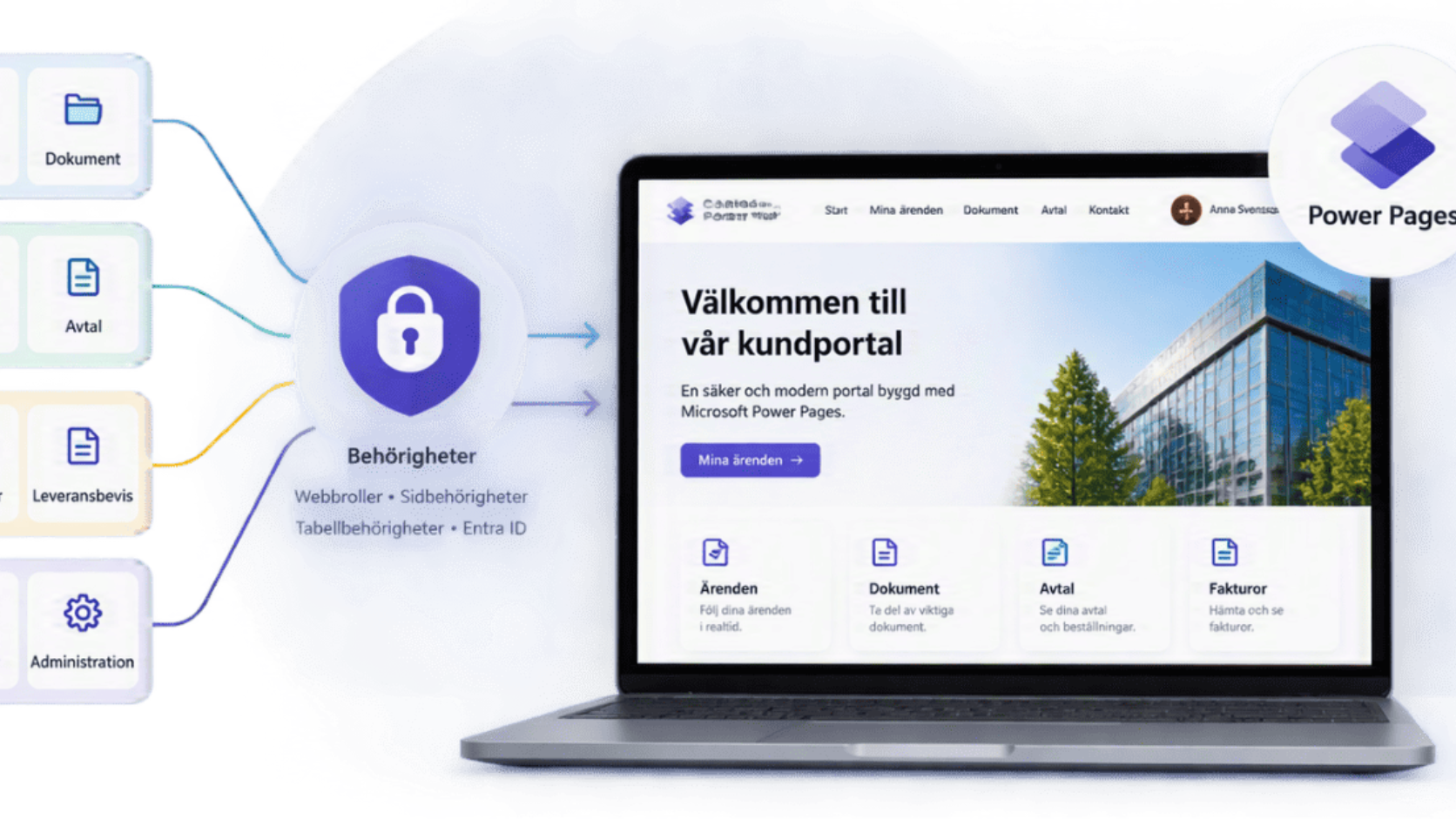
Control who sees what
Power Pages supports authentication, web roles, page permissions, and Dataverse table permissions. This allows you to control which pages and data different users can access.
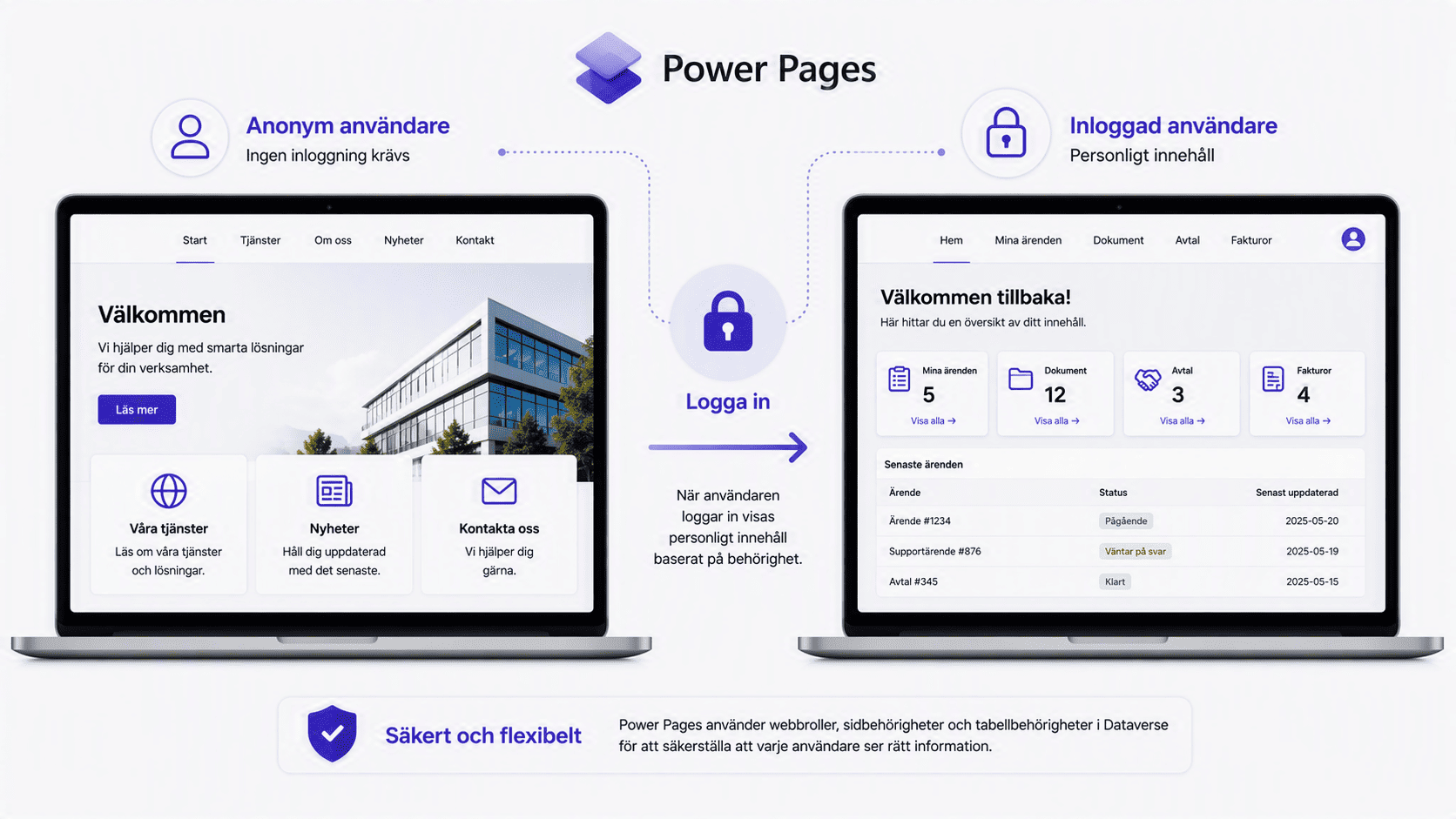
How Microsoft Power Pages licensing works
Power Pages is licensed based on capacity, distinguishing between authenticated and anonymous users. The number of unique users per website per month determines the amount of capacity required.
Authenticated users
For users who log in:
100 users per site per month
$200 per capacity pack per month
Billed annually.
Anonymous users
For visitors who use the site without logging in:
500 users per site per month
$75 per capacity pack per month
Billed annually.
Prices are taken from Microsoft's current price list for Power Pages and verified on September 3, 2026.
Pay-as-you-go
Power Pages can also be used with pay-as-you-go through Microsoft Azure. This allows you to pay based on the number of active users instead of purchasing capacity in advance.
$4 per active authenticated user/site/month
$0.30 per active anonymous user/site/month. Internal users may in some cases already have Power Pages rights through, for example, Power Apps or Dynamics 365.
That is why licensing needs must always be assessed based on who will be using the portal.
Which Power Pages license is right for you?
The right license ensures you only pay for the capacity you actually need. The choice depends primarily on how many people use the portal, who needs to log in, and how regularly it is used. Norteam helps you compare capacity packs with pay-as-you-go and check if your existing Microsoft licenses already provide usage rights.
Connect the portal to your existing processes
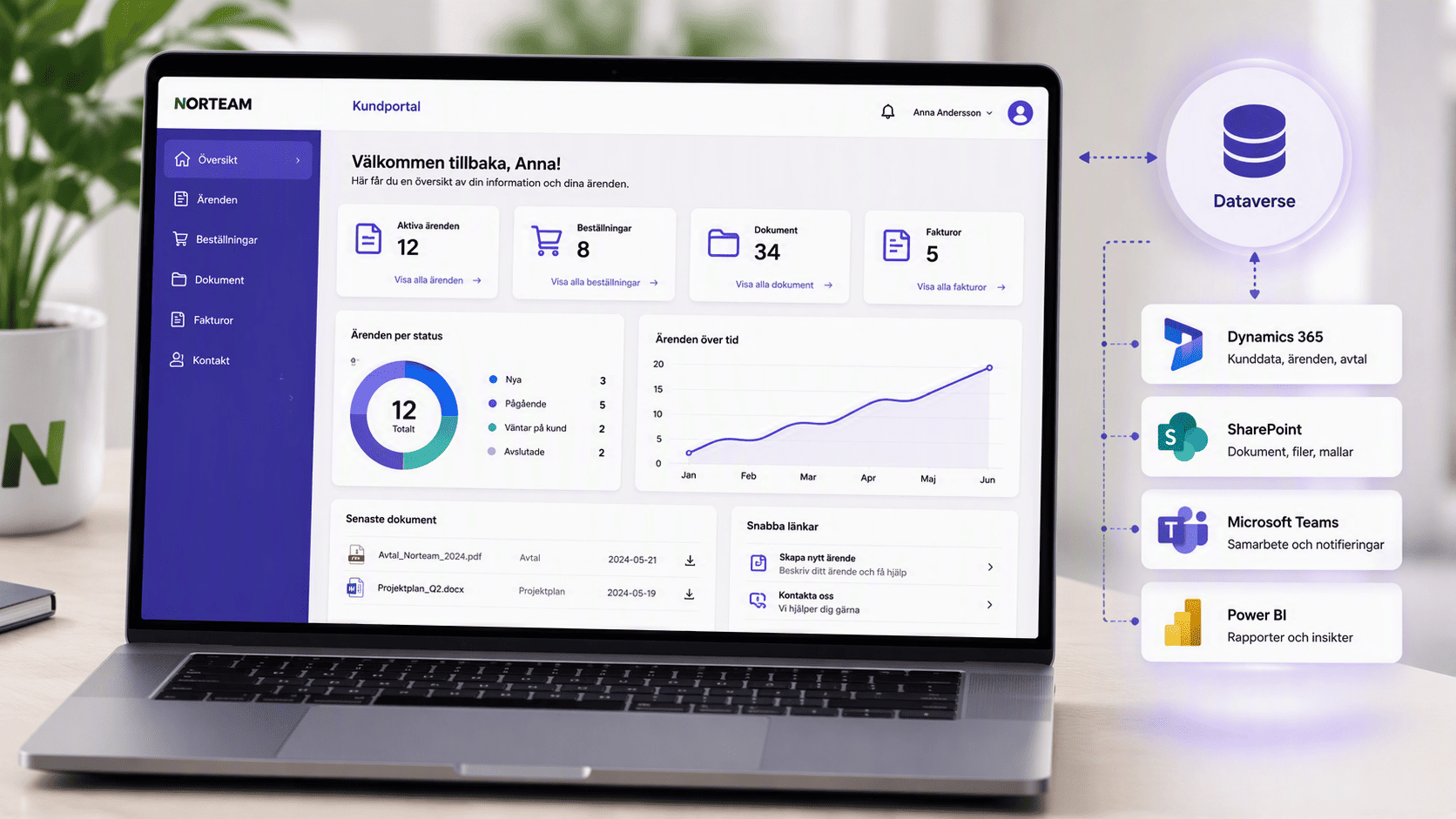
Power Pages is part of the Power Platform and can be used together with several other Microsoft solutions.
Power Automate
Automate the next steps when information is submitted or changed, for example using workflows in Power Automate.
Read more about AI and automation.
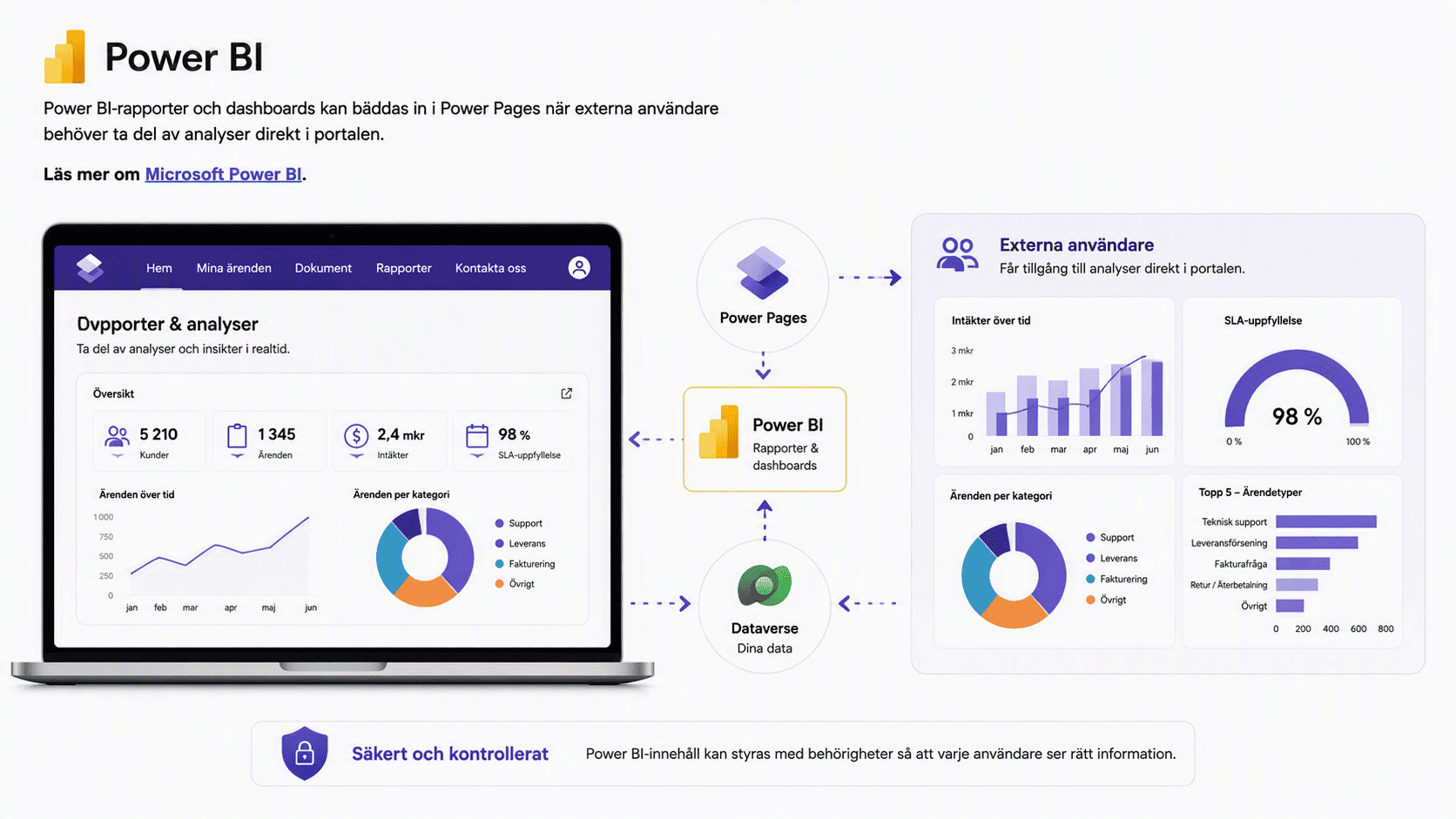
Power BI
Power BI reports and dashboards can be embedded in Power Pages when external users need to access analytics directly in the portal.
Read more about Microsoft Power BI.
Dynamics 365
Power Pages and several Dynamics 365 applications use Dataverse. This makes it possible to build portals around data and processes from the company's business applications.
Read more about business systems and analytics.
From idea to a functional Power Pages portal
Before you start building, it needs to be clear who will use the portal, what information they should access, and which processes need to be managed. Norteam is with you from the initial mapping to a finished solution.
Map out
We review users, processes, and the information the portal needs to handle.
Build and integrate
We are there to support you when Power Pages needs to be configured and connected to relevant parts of the Microsoft environment.
Manage and develop
The portal can be further developed as new user groups, integrations, or features are added.
Are you looking to build a portal with Microsoft Power Pages?
Norteam helps you clarify use cases, data, integrations, permissions, and licensing before you start building.
Frequently asked questions
What is Microsoft Power Pages?
Microsoft Power Pages is Microsoft's low-code platform for building external websites and portals where users can interact with business data and processes.
What can you build with Power Pages?
Power Pages can be used for customer portals, partner portals, registrations, applications, and self-service, among other things, where external users need to interact with business data.
Do you need to know how to program to use Power Pages?
No. Many parts can be built visually with low-code in the Power Pages design studio. For more advanced customizations, there is also support for code.
How does Power Pages licensing work?
Power Pages is licensed based on capacity and distinguishes between authenticated and anonymous users. The number of unique users per website per month determines how much capacity is required.
How much does Microsoft Power Pages cost?
Microsoft's list price as of September 3, 2026, is $200 per month for 100 authenticated users or $75 per month for 500 anonymous users per website. Both options are billed annually.
Is Power Pages available as pay-as-you-go?
Yes. Microsoft's list price for pay-as-you-go is $4 per active authenticated user per month, and $0.30 per active anonymous user per month, per website.
Can Power Pages be connected to Dynamics 365?
Yes. Power Pages uses Dataverse, which is also used by several Dynamics 365 applications. This allows the portal to be built around data and processes from Microsoft business applications.
Can we test Power Pages for free?
Yes. Microsoft offers a 30-day free trial to build and test Power Pages.
More services