


Digital meeting rooms for easier hybrid meetings
Norteam helps you create digital meeting rooms where audio, video, and meeting platforms work together seamlessly. The solution is tailored to the size of the room, your organization's way of working, and your existing Microsoft environment.
Make it easier to meet from the office and remotely
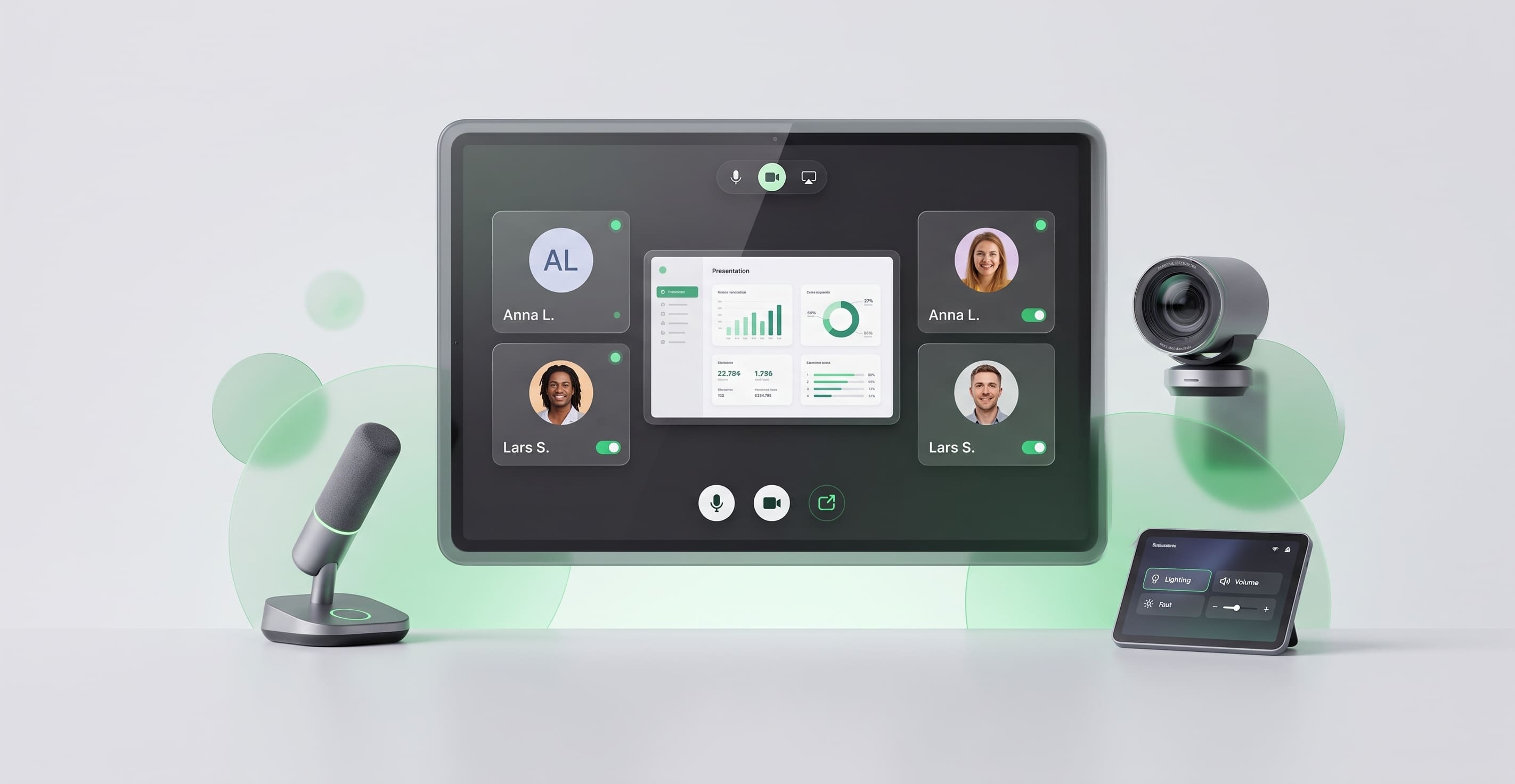
A digital meeting room brings together the technology needed for digital and hybrid meetings into one unified solution.
Start the meeting instantly
With Microsoft Teams Rooms, users can join scheduled Teams meetings from the room's own equipment with one-touch join.
Audio and video adapted to the room
Cameras, microphones, speakers, and displays can be adapted to the size of the room and the number of people who usually participate.
Share content in the meeting
Teams Rooms supports content sharing during meetings, including wireless sharing from compatible devices.
The same way of working in multiple rooms
A common foundation for your meeting rooms makes it easier for employees to feel at home when they switch rooms or offices.
Centralized management for IT
Teams Rooms devices can be managed and monitored centrally. With Teams Rooms Pro, IT gains more features for device health, configuration, updates, and analytics, among other things.
We explain...
What are digital meeting rooms?
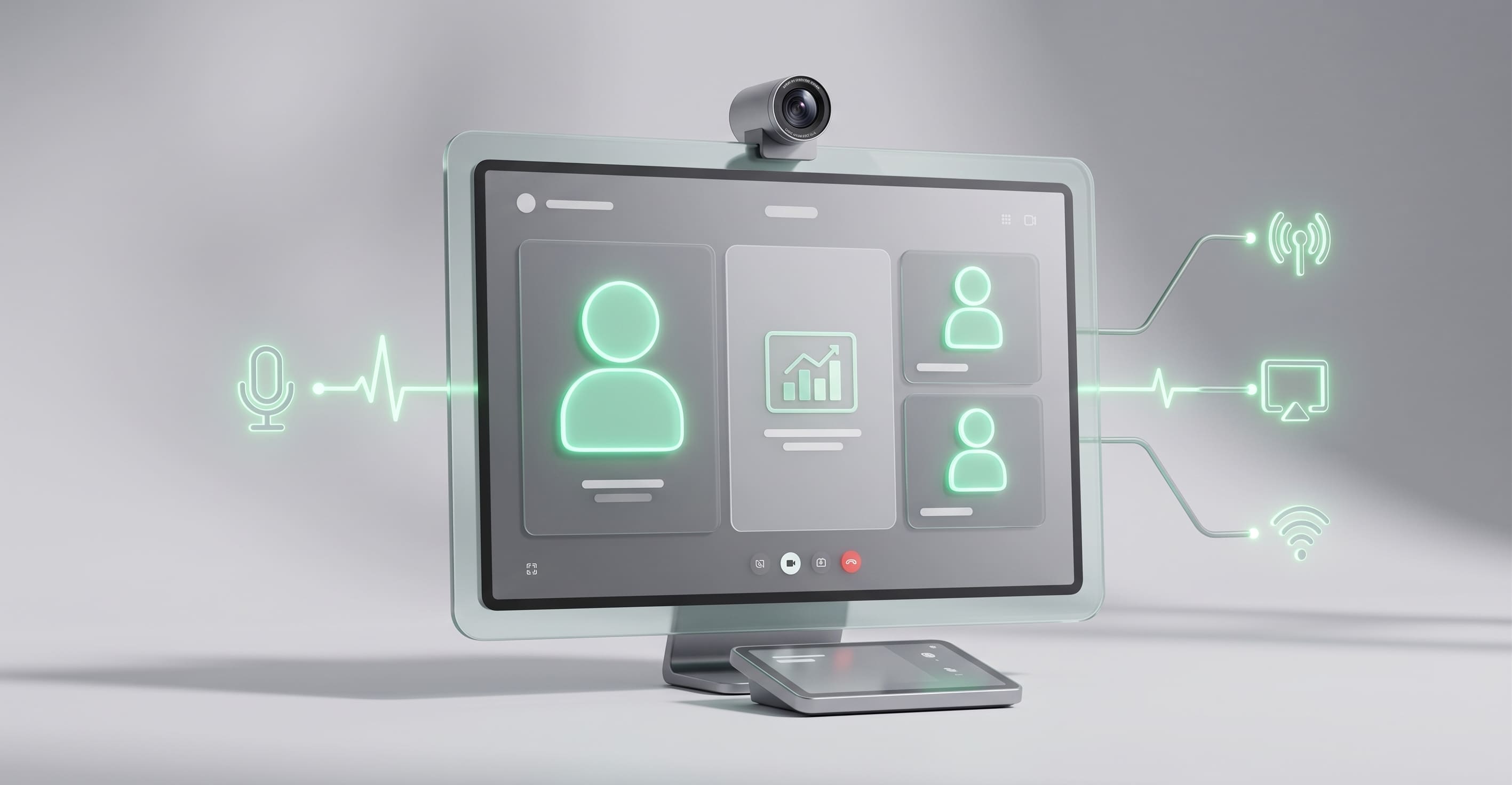
Digital meeting rooms are physical meeting rooms where, for example, cameras, microphones, speakers, and displays are combined with a digital meeting platform. In a connected meeting room, the meeting solution can be permanently installed in the room.
Users no longer need to set up the meeting around their own computer every time. The solution can also be supplemented with, for example, control panels and booking displays. How the solution is designed depends on the room's size and usage. A small huddle room has different needs than a large conference room.
Start the Teams meeting from the room
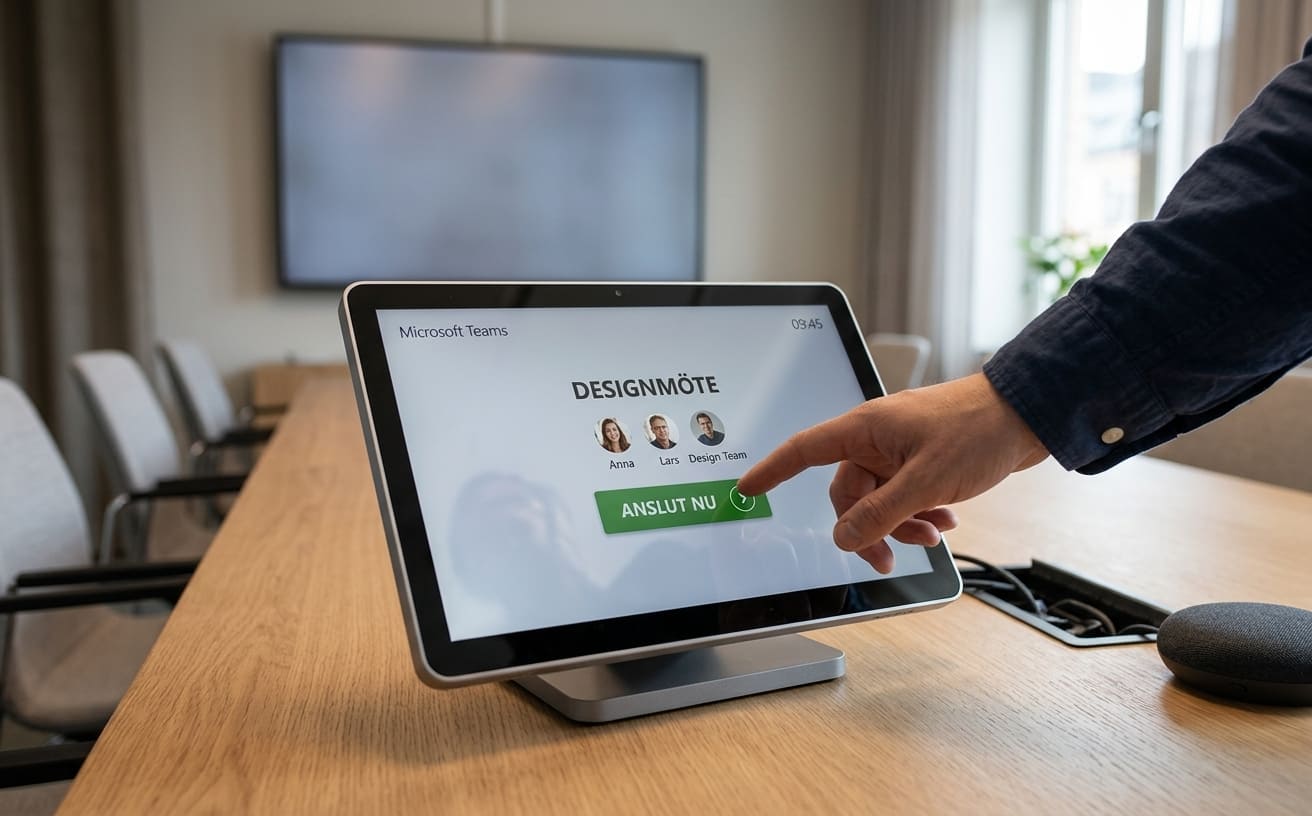
Microsoft Teams Rooms brings Teams into the physical meeting room. With Microsoft Teams Rooms, users can join scheduled Teams meetings from the room's own equipment with one-touch join and use the room's camera, microphones, speakers, and displays.
Manage meeting rooms with Teams Rooms Pro
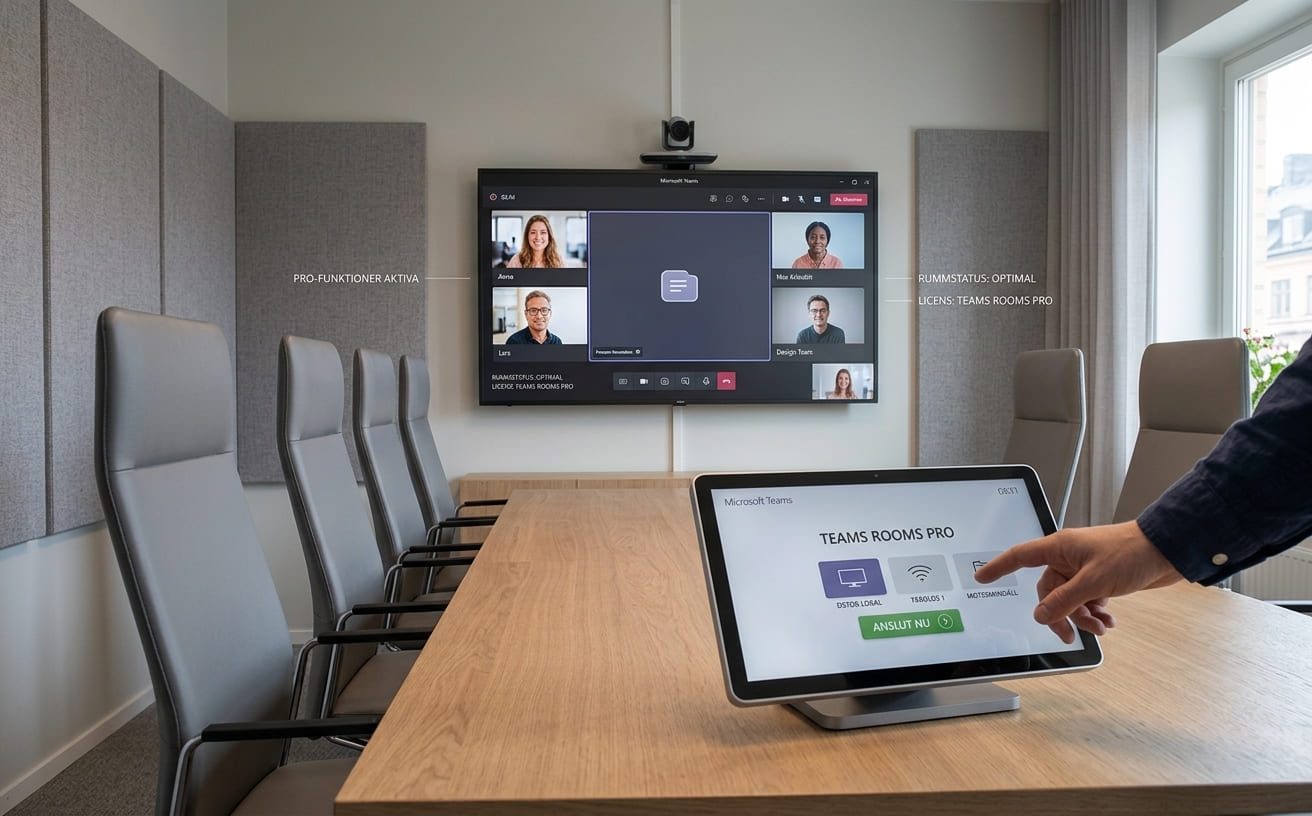
Teams Rooms devices can be managed and monitored centrally. With Teams Rooms Pro, IT gains more features for device health, configuration, updates, and analytics, among other things.
This is particularly relevant for organizations that have multiple connected meeting rooms to manage.
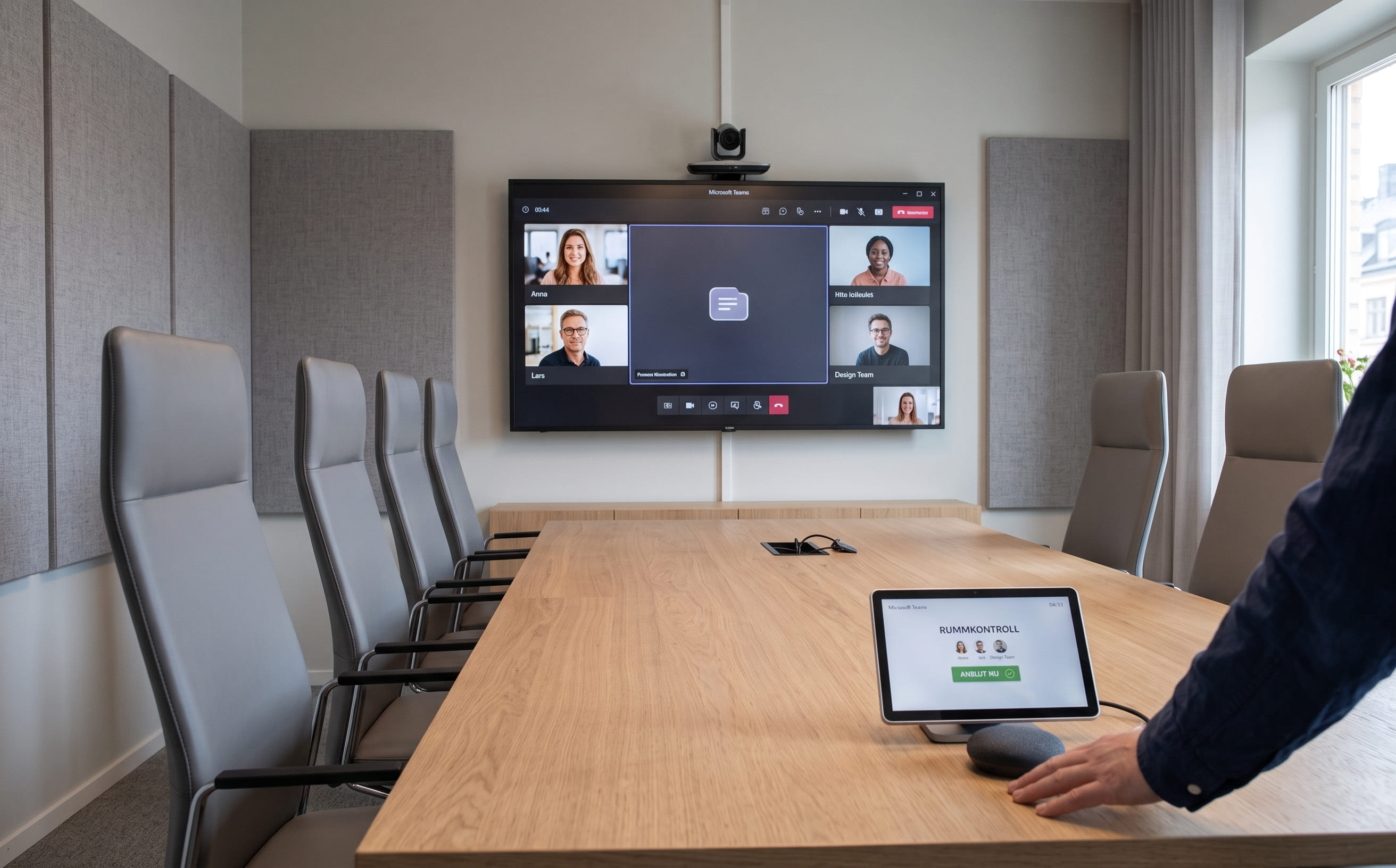
Adapt the technology to the size of the room
The meeting equipment required depends on factors such as the size of the room, its layout, and the number of participants.
The solution can therefore be adapted from small meeting rooms to larger conference rooms with varying needs for, for example, video equipment, audio capture, and sound reproduction.
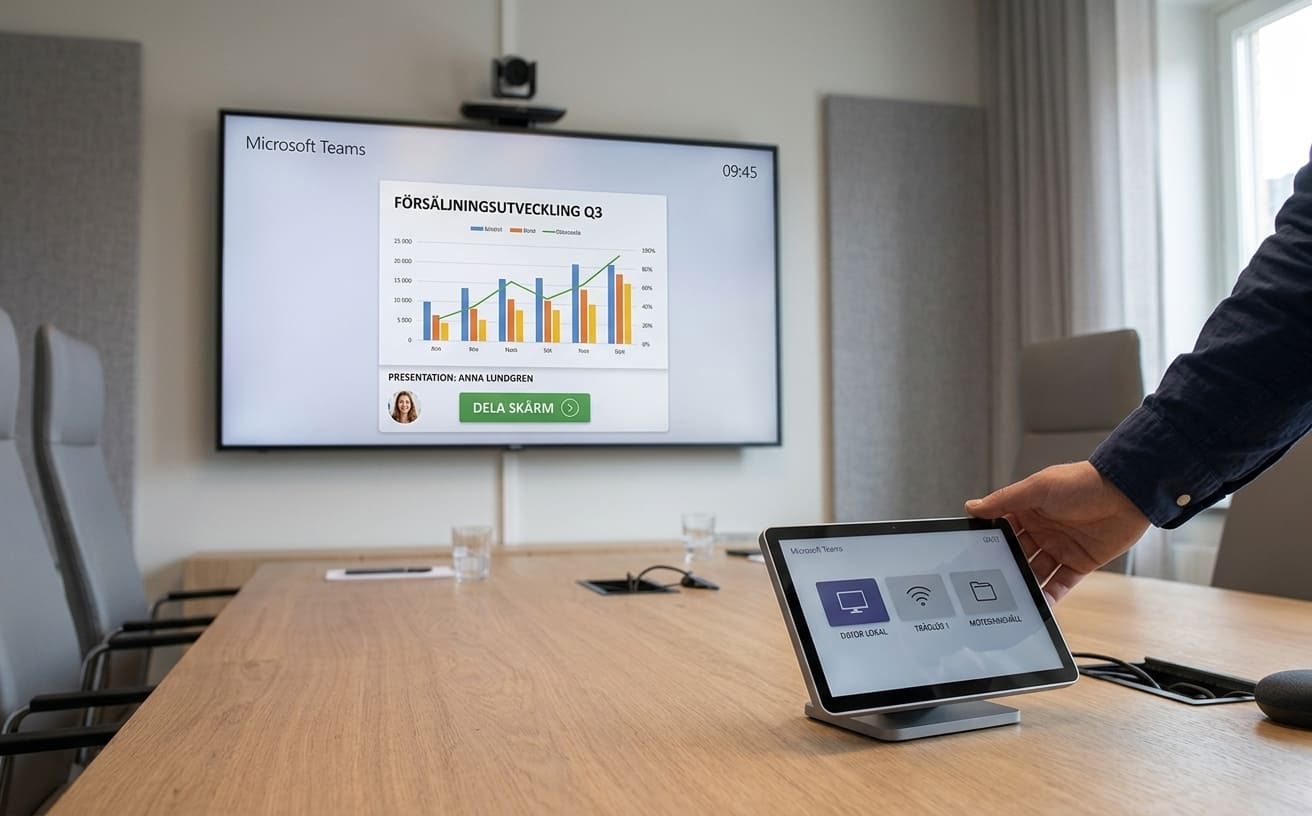
Share content with participants
Teams Rooms supports content sharing during meetings, including wireless sharing from compatible devices. This makes presentations, documents, and other materials part of the same meeting experience as audio and video.
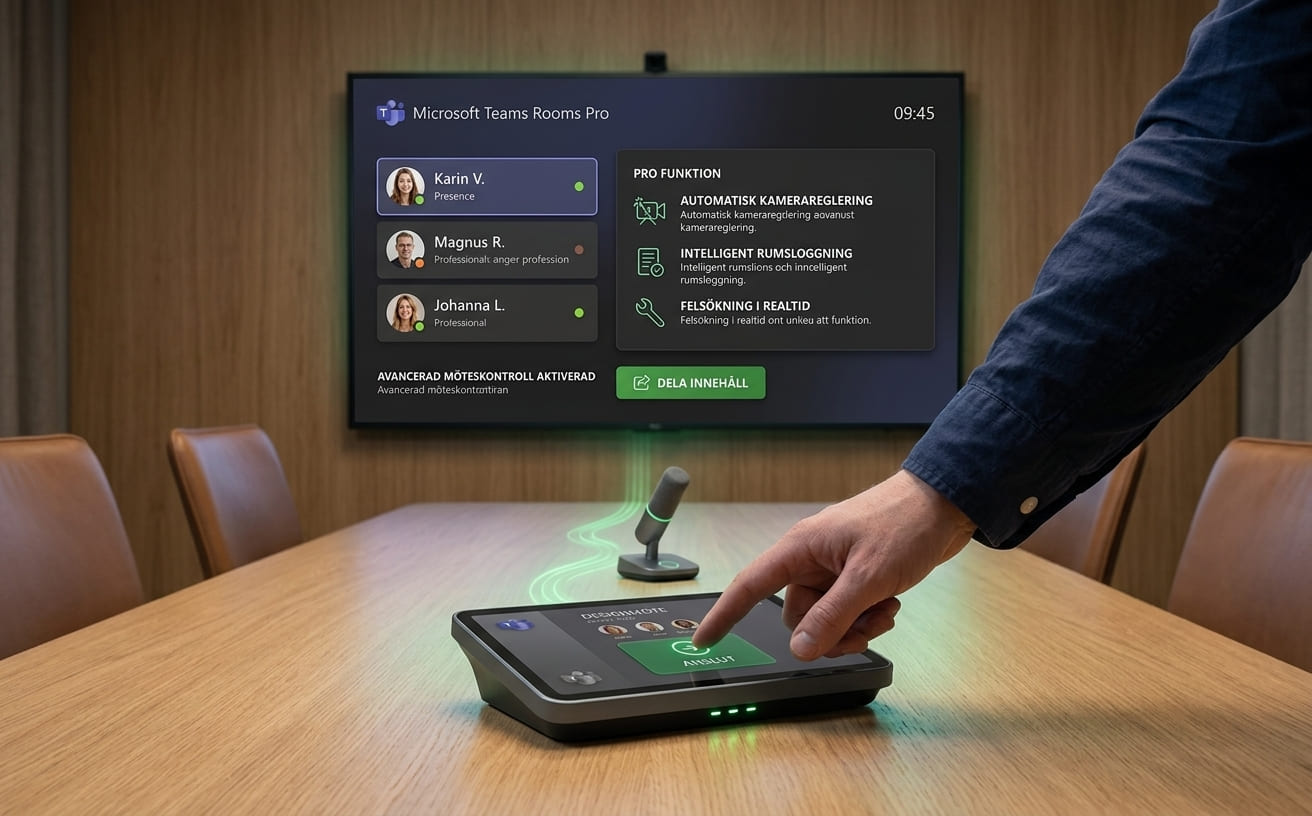
Microsoft Teams Rooms
A unified Teams environment for your meeting rooms:
For organizations already using Microsoft 365 and Teams, Microsoft Teams Rooms can connect physical meeting rooms with the same platform used for digital meetings. Microsoft Teams Rooms is available in two license tiers:
Teams Rooms Basic
Teams Rooms Basic is free of charge and includes essential features for Teams meeting rooms, such as one-touch join and wireless content sharing.
The license requires a certified Teams device and can be used for up to 25 rooms.
Teams Rooms Pro
Teams Rooms Pro includes all the features of Basic, plus expanded capabilities for meeting experiences, remote configuration, device management, monitoring, and analytics.
The right license depends on how many rooms you have, how they are used, and the level of central management your IT department requires.
Get started
From needs to a finished digital meeting room
Norteam helps you plan and implement digital meeting rooms based on your business needs and existing IT environment.
1. Map out
We review your meeting rooms, how they are currently used, and what your business needs are.
2. Plan and configure
We help you plan the solution, choose the right meeting equipment, and configure the meeting rooms for your existing IT and Microsoft environment.
3. Manage and develop
Once the solution is in place, Norteam can continue to assist you with management and development as new rooms or needs arise. Read more about how we help companies with IT operations and support.
Do you want to improve your digital meeting rooms?
Norteam helps you determine which meeting rooms need to be upgraded and which solution best suits your business.
Frequently asked questions
What is a digital meeting room?
A digital meeting room is a physical space where meeting technology such as cameras, microphones, speakers, and displays are used in conjunction with a digital meeting platform.
What is a connected meeting room?
A connected meeting room features meeting technology that is integrated with the organization's digital meeting environment. This could, for example, be a room equipped with Microsoft Teams Rooms.
What is Microsoft Teams Rooms?
Microsoft Teams Rooms is Microsoft's solution for Teams in physical meeting rooms. It combines Teams with compatible meeting room equipment for audio, video, and content sharing.
What is the difference between Teams Rooms Basic and Pro?
Basic includes the core features for a Teams meeting room. Pro adds more functionality for areas such as meetings, administration, security, monitoring, and analytics.
What equipment is needed in a digital meeting room?
It depends on the size and use of the room. Common components include a camera, microphones, speakers, a display, and a device to manage the meeting.
Do all meeting rooms need to have the same equipment?
No. Equipment can be tailored to each individual room. However, a standardized way of working can make it easier for users to feel comfortable across different meeting rooms.
Can existing meeting rooms be upgraded?
It depends on what equipment is already in place and which solution you want to use. Norteam can assess your existing environment before planning a new solution.
How much does a digital meeting room cost?
The cost depends on factors such as the size of the room, existing equipment, choice of hardware, and the licenses required. Contact Norteam for a price quote based on your specific needs.
More services