


Telephony and Communication with Pingaway
Consolidate your company's calls, switchboard, and digital communication in Pingaway. Norteam helps you find a solution that fits how your employees and customers communicate – from telephony and switchboard to integrations and AI features.
Consolidate your company's communication with Pingaway
Pingaway is a business communication platform where telephony can be combined with switchboard, chat, email, SMS, and social media messaging. Which parts you need depends on how your business operates and which channels your customers use.
Business Telephony
Make and receive calls from your mobile or computer. With Pingaway's mobile licenses, you use mobile telephony, while Fixed provides full telephony via app and softphone without a SIM card.
Pingaway Switchboard
Manage incoming calls with features such as queues, business hours, IVR menus, call forwarding, and callback.
Chat and digital channels
Pingaway can consolidate chats, emails, SMS, and social media messages alongside your company's calls.
CRM integrations
Connect your telephony to CRM systems to retrieve customer information during calls and reduce the need for manual entry.
Microsoft integrations
Connect Pingaway to Microsoft services and use calendar information for things like meetings, vacations, and absences.
AI for calls
Transcribe and summarize calls with Pingaway's AI assistant. With CRM integration, information can also be linked directly to the customer profile.

One platform for more ways to communicate
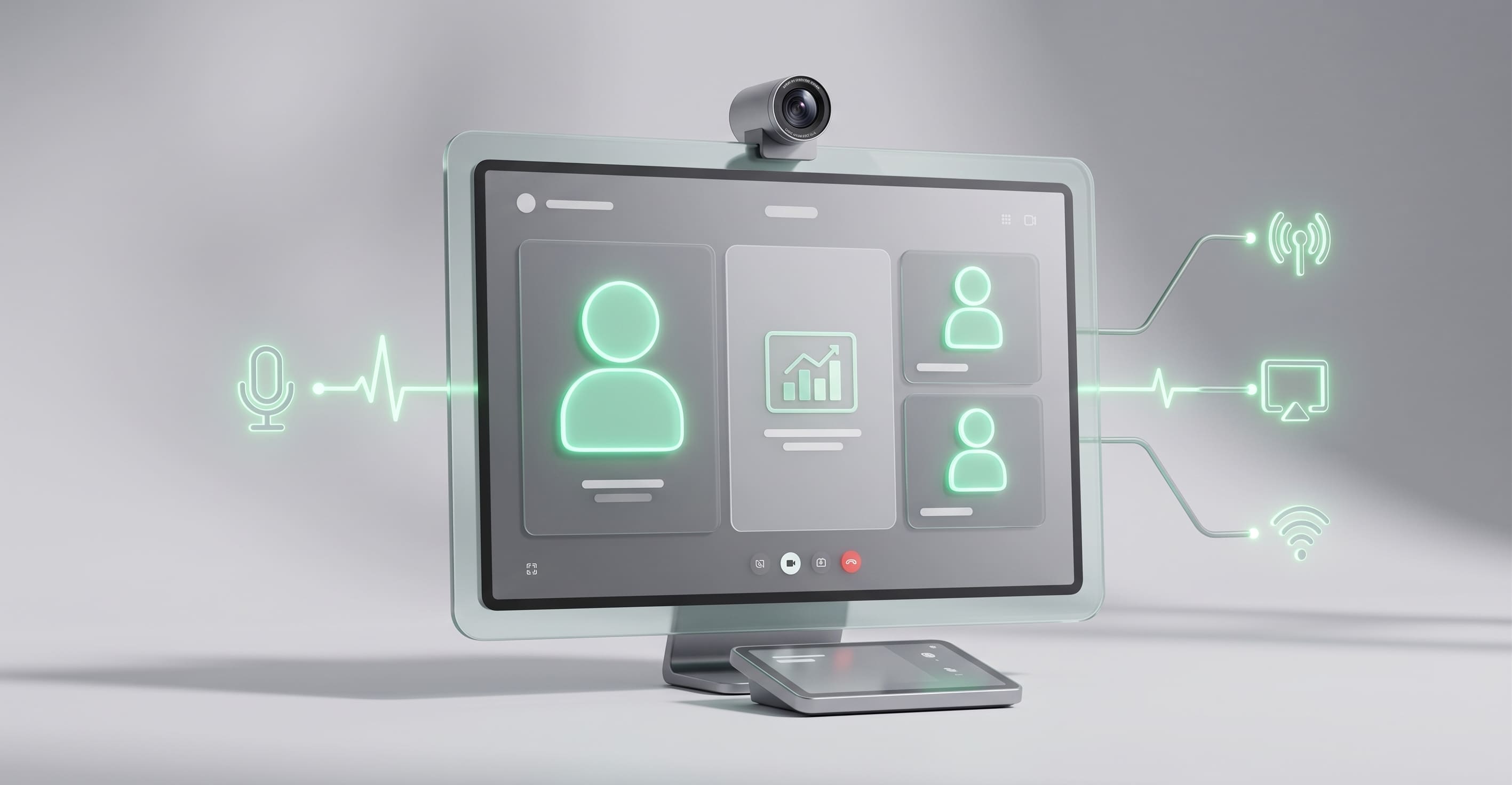
When telephony, chat, email, and other customer channels are in separate systems, both administration and follow-up become fragmented. Pingaway is built to bring multiple communication channels together into one platform.
Consolidate customer contact
Calls, chats, emails, SMS, and social media messages can all be handled in the same interface. Employees no longer need to switch between as many separate tools for different types of customer contact.
Gain a better overview
Pingaway coPing gathers statistics from sources including calls, chats, emails, and social media. This provides a unified view across many of your business's communication channels.
Connect your communication to your business systems
With plugins and integrations, Pingaway can connect to platforms like Microsoft and various CRM systems. This allows your telephony to become part of your existing IT environment rather than a standalone solution.
When is it time to review your company's telephony?
Business telephony should make it easy to reach the right person and manage customer interactions. When the solution instead creates extra administrative work or consists of several disconnected systems, it may be time to review your setup.
Calls are difficult to route
If incoming calls are frequently misdirected or customers are left waiting without clear guidance, queues, IVR menus, callbacks, and other switchboard features can create a more efficient call flow.

The switchboard is difficult to manage
Opening hours, queues, and users change as your business does. In the Pingaway admin portal, administrators can manage many common updates themselves.
Telephony is separated from the CRM
When employees have to manually search for customer details during or after a call, valuable time is lost to administration. A CRM integration can display customer information as the call comes in and automatically log data in the system.

Different channels are managed in separate systems
Customer service teams often need to switch between phone, chat, email, SMS, and social media throughout the day. Pingaway can consolidate many of these channels into a single platform.
Manage incoming calls with Pingaway Switchboard
Pingaway Switchboard brings together the features needed to receive and distribute company calls. Administrators can easily update opening hours, create queues, and add users as business needs evolve.
Queues
Collect incoming calls in queues and manage which users should receive them.
Callback
Callers waiting in a queue can leave their phone number and be called back instead of continuing to wait.
Opening hours
Customize when different queues and functions should be open and schedule changes for holidays or other occasions.
Call forwarding
Forward calls to a colleague, response group, or other number, and create rules for scenarios such as busy lines or no answer.
IVR menu
Let callers choose the right path to the correct function or group.
Call recording and monitoring
With the Record add-on service, you can record calls for individual users or queues. The service also includes real-time call monitoring.
Connect Pingaway to the systems you already use
Telephony doesn't have to be a separate part of your IT environment. Pingaway offers plugins and integrations for platforms including Microsoft and various CRM systems.

Microsoft 365
Pingaway can be connected to Microsoft calendars so that information such as meetings, vacations, and absences is available within the platform. Do you already work with Microsoft 365 telephony can thus be more closely integrated with the tools employees use in their daily work.
CRM system
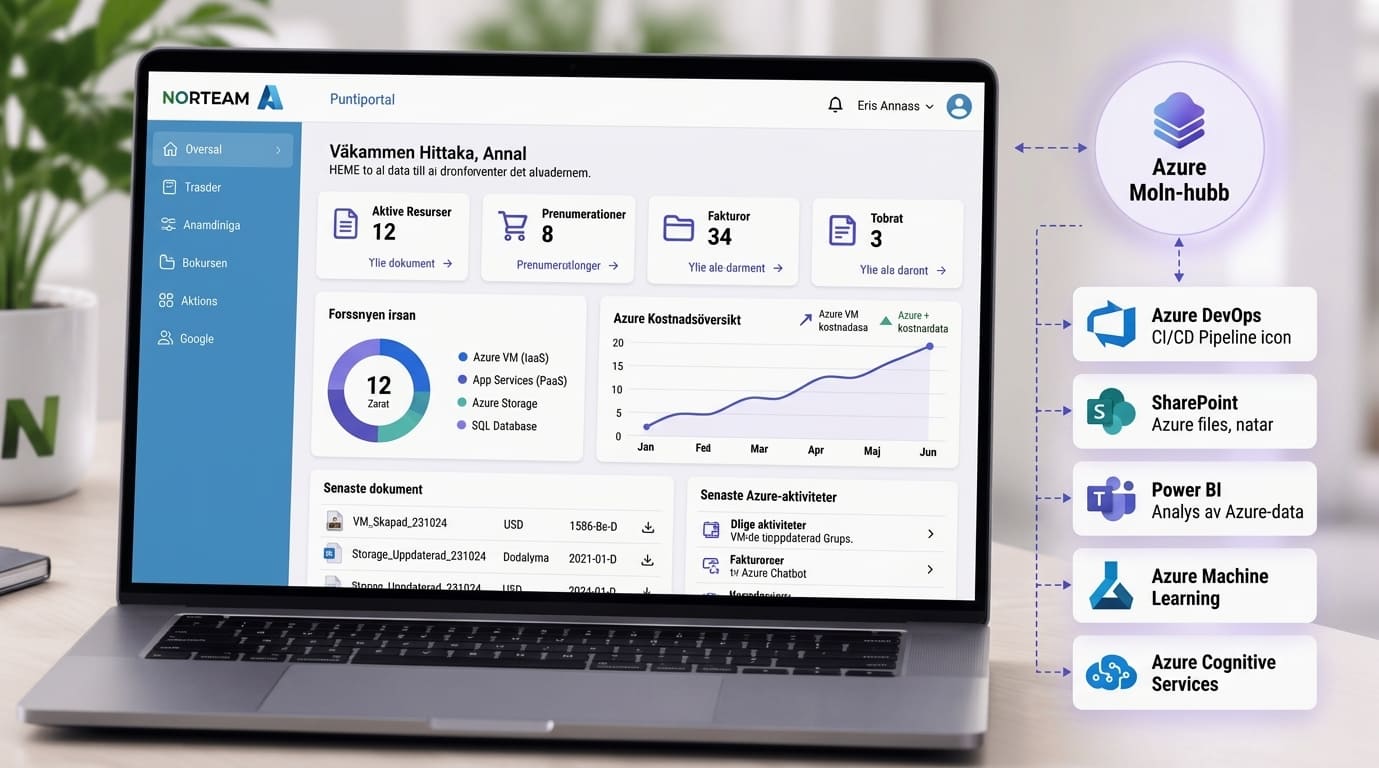
With CRM integration, Pingaway can display information about the caller and log calls directly in your CRM system. This provides employees with more customer information during the call and reduces the need for manual call logging.
Microsoft Teams
Pingaway also supports Teams integration. This makes it possible to connect telephony and Teams when both are used as communication tools within the business.
Let AI document the call
Pingaway's AI assistant can transcribe phone calls and meetings into text and create automatic summaries. This allows information from customer dialogues to be documented without the employee needing to write everything down manually during the call.
With a CRM integration, transcription and summaries can be linked to the customer profile. The AI assistant can also create drafts for follow-up emails after the call.

Transcription
Convert phone calls and meetings into text.

Automatic summary
Get a summary of the content after the call.
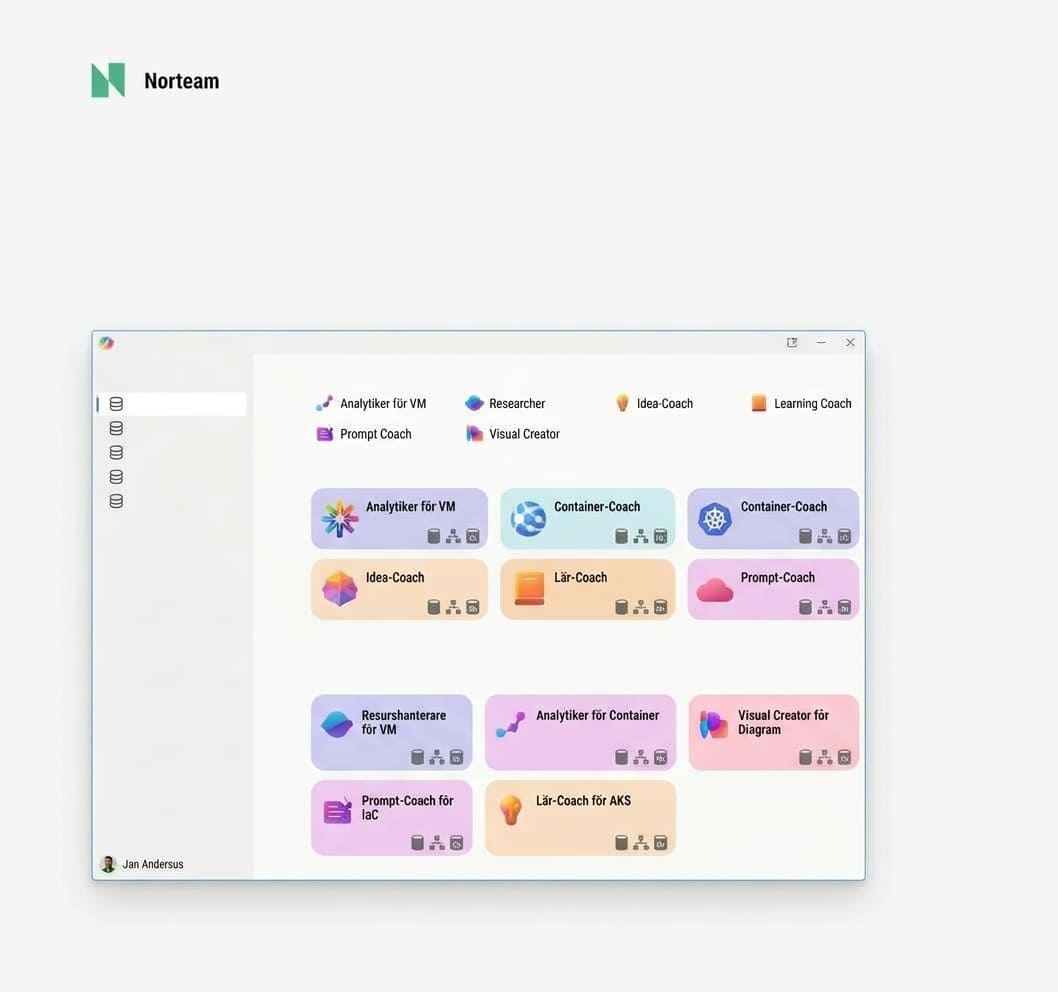
Documentation in CRM
Link call information to the customer profile when using the AI assistant in combination with a CRM integration.
Find the right telephony solution for your business
Telephony needs vary depending on how a company operates. One business might primarily need a simple business switchboard, while another wants to consolidate multiple customer channels and connect communication to CRM and Microsoft. Norteam helps you map out how your telephony is used today and which features, users, and integrations need to be included.
We then help you find a setup where Pingaway works seamlessly with your existing IT environment.
As your business changes, the solution can be adapted with new users, licenses, switchboard features, and integrations.
Read more about how we help companies withIT operations and support.
Do you need help with Pingaway?
Pingaway has its own knowledge base with guides for mobile telephony, softphone, switchboard, Microsoft integrations, and administration. Product support is also available via phone and email.
Norteam helps you integrate Pingaway into your company's existing IT environment and identifies which parts of the solution are relevant to your needs.
Do you want to consolidate your telephony and communication in Pingaway?
We help you determine which solution suits your business – from telephony and Pingaway Switchboard to integrations and digital communication channels.

Would you like to see a demo or do you have any questions?
Send us an inquiry and we will get back to you as soon as possible.
Frequently asked questions
Can Pingaway be connected to a CRM?
Can Pingaway be integrated with Microsoft 365?
Can Pingaway be used on a mobile phone?
Can Pingaway transcribe calls?
Can we keep our existing phone numbers?
How much does Pingaway cost?
What is Pingaway?
What is Pingaway Switchboard?
More services